
Most real estate agents do not need another chatbot, another dashboard, or another promise that artificial intelligence will “transform everything.” They need fewer leads slipping through the cracks, less time spent copying information between systems, and a reliable way to stay in touch without sounding like a robot.
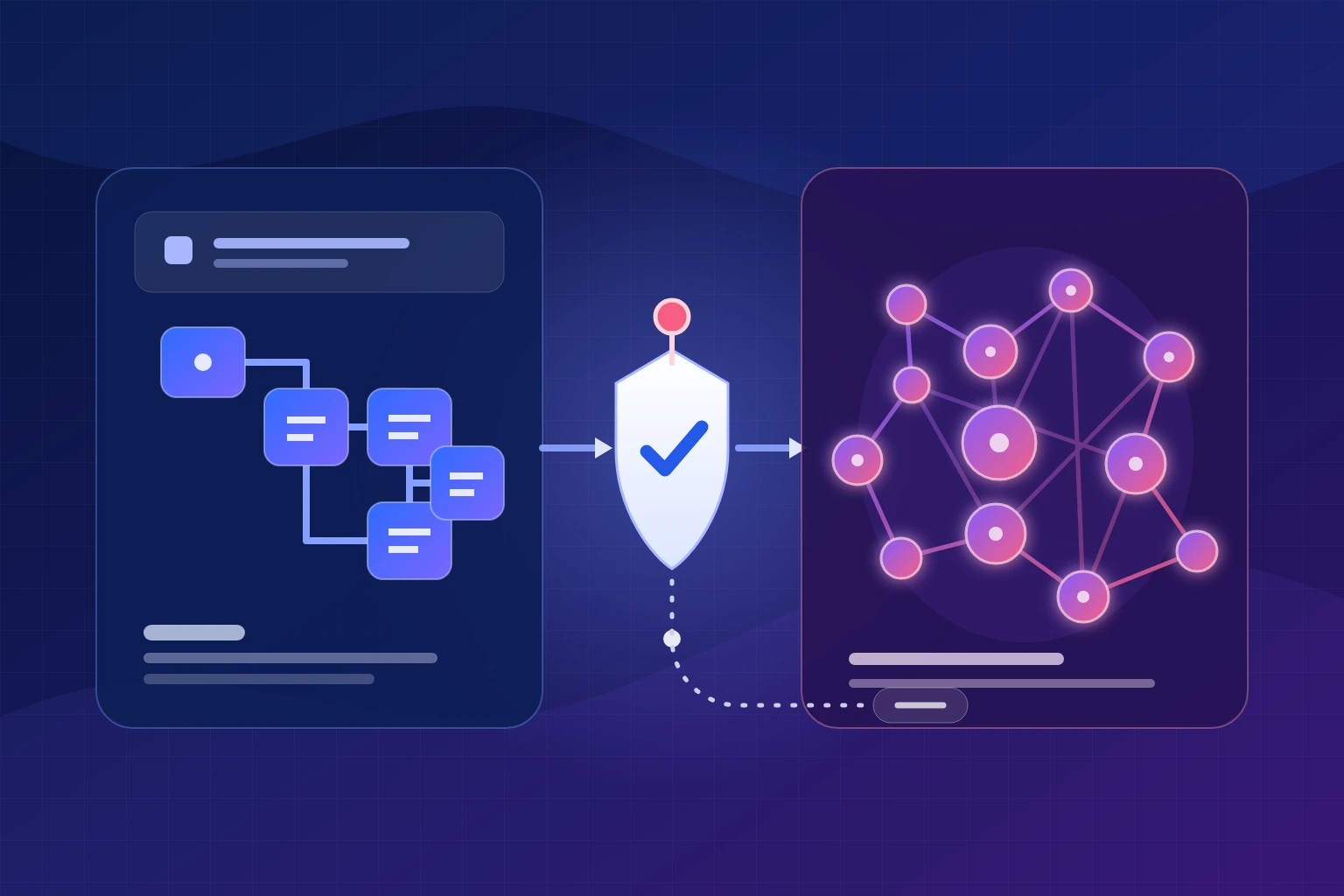
That is the useful definition of AI for real estate agents: practical automation that listens for a business event, organizes the available information, drafts or recommends the next action, and asks a person to approve anything that requires judgment. Done well, it gives an agent more time for conversations, negotiations, local expertise, and client care. Done badly, it produces generic marketing, risky outreach, inaccurate property claims, and a database full of activity that does not move a relationship forward.
The business case is straightforward. In the 2025 REALTORS® Technology Survey, 66% of respondents said saving time was a primary reason for adopting technology, while 64% cited improving the client experience. The same survey found that social media, CRM systems, and the local MLS were the three leading technologies agents associated with lead generation. Those systems already contain the signals an automation needs; the opportunity is to connect them thoughtfully.
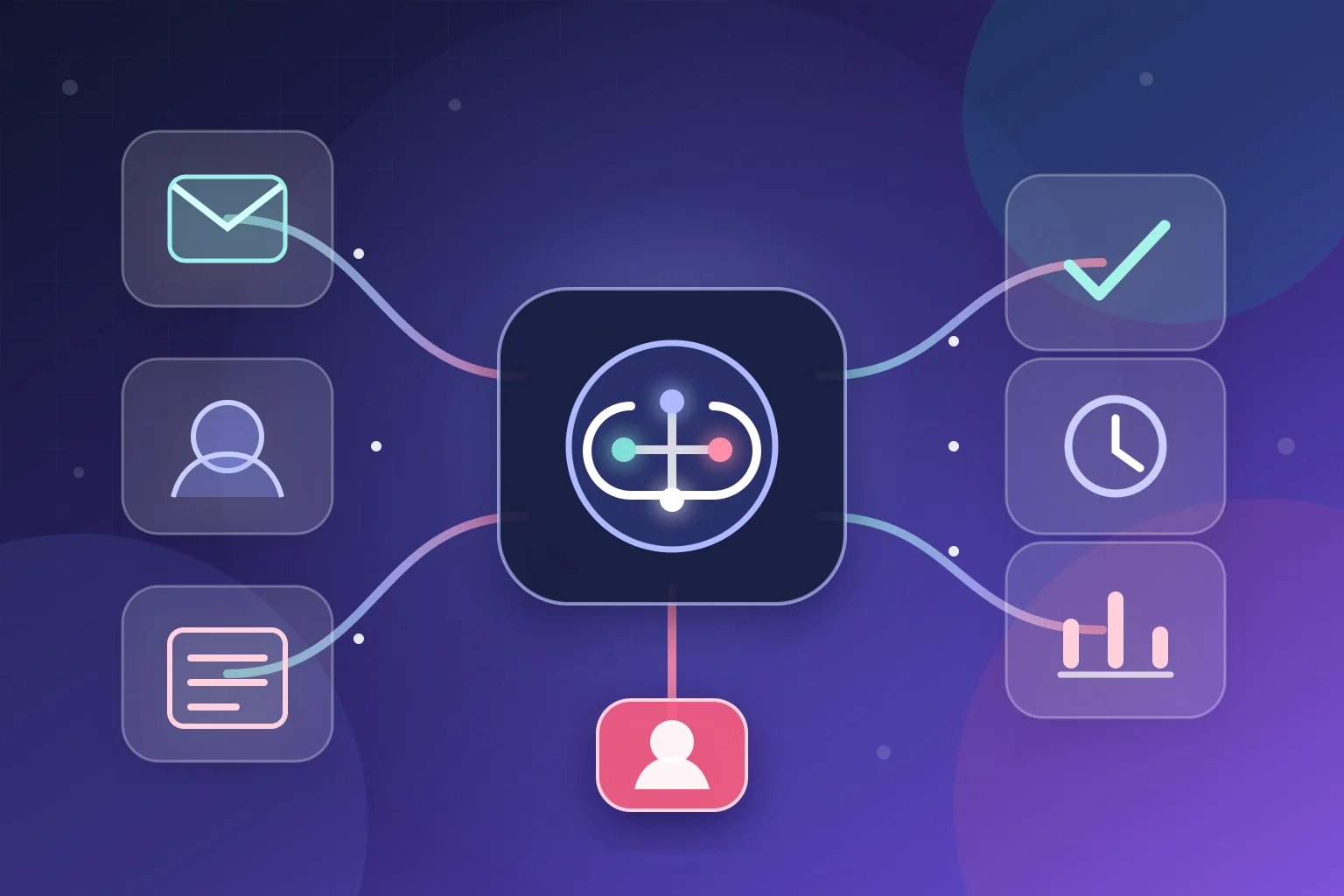
This guide covers nine use cases across the complete client journey. Each one includes the workflow, the point where a human should stay involved, and an interactive model you can use to think through your own operation. The examples are platform-neutral: they can be built with a real estate CRM, an integration platform, an AI model, calendar and messaging tools, or a custom system that connects them.
What AI automation actually means for an agent
A normal automation follows fixed rules: when a form is submitted, create a CRM contact and send an acknowledgment. AI becomes useful when the incoming information is messy. It can summarize a long inquiry, identify the likely intent, extract a move date and price range, draft a response, or compare notes with structured criteria. The reliable pattern is not “let AI run the business.” It is:
- Trigger: a lead arrives, a showing ends, a listing changes status, or a deadline approaches.
- Context: the workflow collects only the CRM, property, calendar, and conversation data it needs.
- AI task: classify, summarize, rank, or draft—not invent facts.
- Rules: consent, routing, timing, confidence, and brokerage policies constrain the next step.
- Human checkpoint: the agent reviews high-impact recommendations and anything client-facing that could be misleading.
- Action and audit trail: update the CRM, create the task, send the approved message, and record what happened.
The human checkpoint matters. The National Association of REALTORS® describes agents as the “human in the loop” for AI-assisted work such as home searches and price estimates. That is a better operating model than autonomous outreach. AI handles speed and repetition; a licensed professional owns accuracy, context, and advice.
A reference workflow: from inquiry to accountable follow-up
Before looking at the nine individual use cases, it helps to see how the pieces fit together. Imagine a buyer asks about a property through an IDX form at 7:40 p.m. The form contains a name, email, optional phone number, property identifier, free-text question, channel permissions, timestamp, and source campaign. That original payload should be stored unchanged for troubleshooting and consent records.
The workflow first validates required fields and searches the CRM for the same email, phone number, or portal identifier. If it finds an existing relationship, it updates that record rather than creating a duplicate. It then fetches only the approved listing fields needed to understand the inquiry. An AI classification step may label the intent as “property question and possible tour request,” extract a stated move window, and summarize the question in one sentence.
Rules—not the model—decide the next action. The listing ID determines the responsible agent. The stored consent fields determine whether email or SMS is permitted. The local time and brokerage policy determine whether an immediate acknowledgment is appropriate. A tour request within 24 hours creates a priority task. A low-confidence classification goes to a manual queue instead of guessing.
The acknowledgment uses a controlled template: identify the brokerage or agent, reference the property, confirm receipt, and offer an approved next step. If AI personalizes one sentence, it can use only the inquiry and verified listing data. The message must not claim that a human read it when that did not happen. When the person replies, the automation stops the opening sequence, records the conversation, and alerts the agent.
Finally, the system logs the input, decision rules, AI output, confidence, assignment, message version, delivery result, and any manual edits. That history answers practical questions later: Why did this lead go to this agent? Which consent record allowed the text? Did the model or a person write this sentence? What happened when the CRM API failed?
This design is more work than connecting a form directly to a chatbot, but it is what makes the automation dependable. The same pattern—preserve the source, use AI for a narrow task, enforce deterministic rules, require review at the right point, and log the outcome—applies to every use case below.
1. Capture and respond to new leads in minutes
A lead can arrive from a portal, an IDX form, a sign-in sheet, a social campaign, a website chat, or a referral email. The first failure point is often not lead generation. It is the delay between the inquiry and a useful response. Notifications land in different inboxes, the CRM record is incomplete, and the agent is in a showing when the prospect is ready to talk.
An instant-response workflow creates one intake path. It normalizes the name and contact details, records the source, summarizes free-text questions, checks the assigned territory or listing, creates or updates the CRM contact, and alerts the right person. A safe first message acknowledges the inquiry and offers a clear next step. It should not pretend that an automated assistant personally reviewed the property or promise availability that has not been verified.
What to automate
- Deduplicate the contact before creating a new CRM record.
- Extract intent, location, property address, timeline, and preferred contact channel.
- Assign by listing, geography, language, price band, or round robin.
- Send an acknowledgment only when the channel and consent rules permit it.
- Create an urgent task when the message signals a same-day tour or active offer.
Keep human: substantive property answers, representation discussions, pricing advice, and any message where the system has low confidence. Track median response time and the percentage of inquiries that become two-way conversations. “Messages sent” is not a conversion metric.
What could faster response change?
Use your own assumptions. This is a planning model, not a forecast or guarantee.
Formula: monthly leads × the change in your assumed contact rate. Actual results depend on lead source, offer, consent, market, message quality, and agent follow-through.
2. Qualify, score, and route leads without hiding the reasoning
Lead scoring is valuable when it makes priorities visible. It becomes dangerous when an opaque model quietly decides who receives attention. Real estate data can contain direct or indirect signals related to protected characteristics, and historical conversion data may reproduce past bias. A good scoring system therefore uses behavior and declared transaction needs—not personal traits or neighborhood proxies.
Start with explainable signals: the person requested a tour, responded to a question, has a stated move date, saved multiple properties, supplied financing readiness voluntarily, or is already in the database. Add negative operational signals such as invalid contact information, duplicate submissions, or a request outside the service area. Let AI summarize the conversation, but calculate the priority with documented rules that a manager can inspect.
The output should be a routing recommendation, not a verdict on a person. “Call within 15 minutes because they requested a tour tomorrow” is useful. “This person is unlikely to buy” is not a responsible basis for denying service.
Build a behavior-based priority score
Toggle the signals present in a sample inquiry. Every point remains visible.
Never score or route using race, color, religion, sex, disability, familial status, national origin, or proxies designed to approximate protected characteristics. Apply the same service rules consistently.
3. Personalize follow-up without creating robotic drip campaigns
Most leads are not ready on the day they inquire. The follow-up problem is a combination of memory and relevance: remembering when to reach out and finding something useful to say. AI can help turn CRM context into a draft, while automation chooses the approved cadence and creates the task.
A practical workflow separates three responsibilities. The CRM stores consent, relationship stage, last interaction, and preferences. Rules determine whether a channel is allowed and when a message may be sent. AI drafts a short message using approved facts, then a person reviews sensitive or high-value communications. This prevents the model from inventing urgency, misrepresenting a listing, or sending the same “just checking in” line every week.
Segment by intent rather than demographic assumptions: first-time inquiry, active buyer, seller consultation, open-house attendee, past client, or dormant contact. The content should earn the next reply with a market update, a newly relevant listing, a checklist, an answer to a previous question, or a simple choice of next steps.
Choose a follow-up path
These are workflow examples. Channel availability still depends on consent and brokerage policy.
Stop or change the sequence when the person replies, opts out, schedules, changes intent, or asks for a different channel.
4. Match clients with properties and explain why each match fits
Standard saved searches are excellent at hard filters: geography, price, bedrooms, property type, and status. AI adds value around the language people use to describe tradeoffs. “I need a quiet workspace, a manageable commute, and room for a dog” does not map neatly to one MLS field. An assistant can turn that conversation into structured preferences and flag listings that deserve review.
The data flow should remain grounded in authorized listing data. Pull current fields from the MLS or approved feed, combine them with the buyer’s explicitly stated preferences, and calculate a match explanation. Do not let a model fill missing facts from general internet knowledge. “The listing remarks mention a first-floor den” is traceable. “This is a safe, family-friendly neighborhood” is both unverifiable and potentially discriminatory.
Useful output is a short review queue for the agent: three properties, the reasons each one fits, the tradeoffs, and the fields that need confirmation. The agent then decides what to recommend and how to explain it.
Rank by the client’s declared priority
Choose the strongest preference to reorder three fictional listings. No live MLS data is used.
Maple Loft
Separate den, 18-minute stated commute, balcony, at target price.
Cedar Cottage
Flexible third bedroom, 31-minute stated commute, fenced yard, 4% below target.
Park Townhome
Desk nook, 22-minute stated commute, patio, 7% below target.
A real implementation must use current, licensed listing data and neutral criteria supplied by the client. The agent verifies every claim before sharing recommendations.
5. Coordinate showings, reminders, and feedback
Scheduling looks simple until it involves multiple adults, occupied properties, listing-agent instructions, travel time, confirmation windows, and last-minute changes. Repeated email and text exchanges consume attention in small pieces throughout the day.
An automation can offer approved availability, collect the preferred slot, create the appointment, add travel buffers, send the required confirmation, and place access instructions where the agent can see them without exposing private details to the wrong person. After the appointment, it can prompt the agent for notes and send a brief, approved feedback request.
The system should never bypass showing instructions or assume that a property is available because a calendar slot is open. Treat external scheduling services and MLS showing tools as sources of truth. When two systems disagree, stop and create a manual task.
A useful showing workflow
- Lead reaches the “qualified for showing” CRM stage.
- Workflow checks the property’s approved scheduling method and the agent’s calendar.
- Client receives valid options, not an unrestricted calendar.
- Confirmed appointment creates buffers, reminders, and an internal preparation task.
- Afterward, notes are summarized into the CRM and the next action is proposed.
Estimate scheduling time recovered
Model coordination time—not client-facing or travel time.
estimated coordination time recovered per month
Do not count time spent advising clients, preparing for showings, or traveling. Those are not administrative waste.
6. Turn verified listing facts into a complete marketing package
Listing marketing is a strong generative-AI use case because the starting material can be controlled. The agent supplies verified facts, approved photography, brokerage language, audience-neutral positioning, and channel requirements. AI then creates drafts in multiple formats: a listing description, social captions, an email announcement, a short video outline, an open-house post, and talking points for the agent.
The quality depends on the fact sheet. If the source says “new roof,” include the year and documentation rather than letting the model embellish. If room dimensions are not verified, omit them. Avoid phrases that describe the “ideal” resident or imply preferences based on protected characteristics. The final review should compare every factual sentence with the approved source.
Image tools require the same discipline. Exposure correction, sky replacement, clutter removal, and virtual staging can make an image easier to understand, but edits must not materially misrepresent condition, permanent features, views, dimensions, or surroundings. Follow MLS, brokerage, platform, and state disclosure rules. Label virtual staging when required and preserve the original files.
Build once, adapt with controls
Select the approved source assets and channels to see the production path.
Grounded in 3 approved source sets. Human fact-check required before publication.
7. Prepare CMAs and market briefings without outsourcing judgment
AI can accelerate the preparation around a comparative market analysis, but it should not set the price. The useful work is collecting approved property data, standardizing notes, flagging large differences, summarizing market activity, and producing a first-draft narrative that the agent can revise.
A workflow might pull the subject property’s verified attributes, collect candidate comparables from an authorized source, calculate simple ranges, identify fields that are missing, and prepare questions for the agent. It can summarize recent listing-to-sale ratios or days-on-market trends when those figures come from traceable data. The agent chooses the comparables, interprets condition and micro-location, makes adjustments, and explains uncertainty to the client.
Do not present an automated valuation or generated range as an appraisal. Do not hide the source date. In a changing market, stale data can be more persuasive than it deserves to be. Every generated table should show where the data came from and when it was retrieved.
Automate, verify, or escalate?
Choose the condition that best describes an analytical task.
Let the workflow organize and calculate
Preserve source links and retrieval dates, then have the agent inspect the result before client use.
8. Track transaction documents, tasks, and deadlines
After a client signs, the volume of coordination increases: forms, signatures, inspections, lender requests, title milestones, contingency dates, amendments, and status updates. AI can make the paperwork easier to navigate by extracting candidate dates, summarizing long documents, naming files consistently, and generating a checklist. The transaction system or approved record remains the source of truth.
The safe pattern is “extract, verify, then schedule.” Optical character recognition and language models can misread dates, negations, and amended clauses. A person should compare every extracted obligation with the executed document before it becomes a calendar event. When a later amendment changes a term, the workflow must preserve the original, link the replacement, and require re-verification.
Automation is also useful for status communication. Instead of asking the agent to reconstruct the file, the system can draft a client update from completed milestones and open tasks. The agent confirms the wording and decides whether a phone call is more appropriate.
A verified-deadline workflow
Check the sample steps to see progress. Nothing is stored or transmitted.
0 of 5 complete
This illustrates process design only. Deadlines and required forms depend on the transaction, contract, jurisdiction, and brokerage.
9. Stay useful after closing and earn more referrals
The past-client database is often an agent’s most valuable and least consistently managed asset. Automation can create the reminders and preparation needed for thoughtful contact without turning relationships into a generic newsletter list.
Start with durable events: closing anniversary, a requested market review, a known maintenance milestone, a property-tax season reminder from an authoritative local source, or an annual check-in. Combine those with permission-based market updates and genuinely useful homeowner resources. AI can draft a personal note from the relationship history, but the agent should remove anything that feels intrusive, irrelevant, or overly familiar.
Referral requests work best after value has been delivered, not on an arbitrary timer. A workflow can remind the agent that a client gave positive feedback, completed a successful milestone, or replied appreciatively. The person decides whether the moment is appropriate.
Create a useful annual cadence
Select a relationship and contact level. The plan emphasizes service over volume.
Use only current, consented contact details. Pause automated contact after a negative signal, opt-out, or major life event unless the person initiates.
What real estate agents should not fully automate
The fastest way to lose trust is to automate a moment where the client expects judgment or empathy. Use AI to prepare information, not to impersonate expertise. The following tasks should retain explicit human ownership:
| Task | AI can help with | Human remains responsible for |
|---|---|---|
| Pricing and CMA | Data organization, anomaly flags, draft narrative | Comparable selection, adjustments, advice, uncertainty |
| Property recommendations | Preference extraction and neutral ranking | Fair service, verification, local context, recommendation |
| Negotiation | Issue summary and scenario preparation | Strategy, communication, fiduciary duties, decisions |
| Contracts and deadlines | Candidate extraction and task preparation | Interpretation, verification, legal escalation |
| Advertising | Drafting and format adaptation | Accuracy, fair housing, disclosures, final approval |
| Client conflict or distress | Conversation summary and task creation | Empathy, judgment, phone or in-person response |
HUD’s guidance on digital housing advertising explains that the Fair Housing Act applies when platforms use algorithmic processes and AI to target or deliver real estate-related ads. An agent cannot outsource responsibility to a platform. Review audiences, exclusions, creative, optimization settings, and outcomes for discriminatory effects.
What an AI real estate automation stack needs
There is no universally “best AI tool for real estate agents.” The right stack is the smallest set of systems that can maintain a reliable client record, enforce permissions, connect to approved data, and produce an audit trail. Buying multiple overlapping assistants usually creates more fragmented information.
- CRM as the relationship source of truth: contact stage, consent, assignments, notes, and activity history.
- Approved property data: MLS, brokerage, IDX, showing, and market data accessed under their terms.
- Automation layer: connects triggers and actions, handles retries, logs failures, and enforces rules.
- AI service: performs narrowly defined extraction, classification, summarization, or drafting tasks.
- Communication systems: email, SMS, phone, and calendar services configured for consent and opt-outs.
- Review queue: a place where an agent can approve, edit, reject, and understand recommendations.
- Monitoring: dashboards for errors, response time, outcomes, opt-outs, and unusual routing patterns.
Before adding a new product, ask whether it can read and write the CRM correctly, restrict access by role, show its data sources, export logs, respect deletion requests, and support a manual fallback. If it cannot, the polished demo is not the main issue.
How to choose which real estate workflow to automate first
The best first project is rarely the most impressive demo. Choose a process with enough repetition to matter, a clear owner, stable inputs, and a result that can be checked quickly. Lead intake often qualifies because the trigger and desired CRM outcome are easy to describe. Negotiation strategy does not, because context changes, the cost of a bad recommendation is high, and the right action depends on professional judgment.
Score each candidate on four dimensions. First, estimate the monthly volume and time spent. Second, rate how predictable the inputs and correct output are. Third, identify the harm caused by a mistake. Fourth, check whether the systems expose reliable integrations. A frequent, rules-based task with low downside and accessible data is a better starting point than a rare task involving legal interpretation or personal advice.
| Workflow type | Good first project? | Reason |
|---|---|---|
| Portal lead to CRM | Usually yes | High repetition, clear fields, easy to audit |
| Internal lead routing | Usually yes | Rules can be documented and monitored |
| Showing reminders | Usually yes | Calendar-driven with obvious success or failure |
| Listing-content drafts | Yes, with review | Source facts can be controlled and compared |
| CMA preparation | Later | Useful support, but subjective adjustments require expertise |
| Negotiation recommendations | No | High stakes, contextual, and professionally sensitive |
| Contract interpretation | No | Legal meaning and deadlines require qualified review |
Avoid automating a broken handoff. If listing-source leads regularly arrive without a phone number, resolve the intake configuration before adding AI. If agents do not update stages, a sophisticated nurture system will act on stale information. Automation magnifies the process it receives; it does not automatically repair unclear ownership or inconsistent data.
How to measure whether the automation is working
AI projects often get evaluated with activity metrics because those numbers are easy to collect. A dashboard may show thousands of generated messages, enriched contacts, or summarized documents. None of those prove that an agent saved time or a client received better service. Define a baseline and a decision rule before the pilot begins.
Lead and conversion metrics
- Median first-response time: use the median rather than the average so a few very old inquiries do not distort the result.
- Two-way contact rate: the share of eligible inquiries that become an actual conversation.
- Qualified conversation rate: the share that meets the team’s documented service and readiness criteria.
- Appointment rate: consultations or showings booked from eligible leads—not every name added to the CRM.
- Speed-to-human rate: how quickly priority conversations reach the responsible agent.
Efficiency and reliability metrics
- Minutes of administrative handling per item: measure a representative sample before and after.
- Manual corrections: how often an agent must repair fields, routing, generated facts, or calendar events.
- Automation failure rate: errors, retries, duplicate actions, and records sent to a manual queue.
- Approval rate: the share of drafts accepted, lightly edited, heavily rewritten, or rejected.
- Data freshness: whether property, consent, assignment, and relationship-stage information was current when used.
Trust and safety metrics
- Opt-out and complaint rate: rising rates are a reason to stop and inspect relevance, frequency, and consent.
- Unsupported-claim rate: the share of reviewed content containing a fact that cannot be traced to an approved source.
- Routing fairness review: compare service levels across sources and documented, lawful criteria to detect inconsistent treatment.
- Privacy incidents: exposure of information to an unapproved system, user, or message recipient should trigger the incident process.
Set a threshold that determines whether to expand. For example: the workflow must reduce median response time, keep field-correction rates below an agreed level, produce no unauthorized sends, and avoid an increase in opt-outs during a four-week pilot. A system that saves time but creates inaccurate records or damages trust has not succeeded.
Common AI automation mistakes in real estate
Starting with a tool instead of a business event
“We bought an AI assistant—where can we use it?” produces scattered experiments. Start with an event that matters: a new inquiry, a tour request, a signed agreement, a listing launch, or a closing anniversary. Define the required output and owner, then choose technology.
Allowing the model to invent missing property facts
Language models produce plausible language, which makes an unsupported detail look polished. Provide a structured fact sheet, tell the system to omit unknown fields, require citations back to the source record, and compare the final draft with the approved data. A confident sentence is not evidence.
Sending every AI draft automatically
Automatic sending combines the largest risks: hallucination, tone problems, incorrect recipients, stale consent, and poor timing. Begin in draft mode. After a monitored pilot, allow only narrow, approved acknowledgments to send automatically. Keep advice, recommendations, pricing, negotiation, conflict, and sensitive client situations under human control.
Using one cadence for every relationship
A portal inquiry, referral, open-house visitor, active client, and past client do not have the same context. Separate sequences by relationship and intent, and make every sequence interruptible. A reply, appointment, opt-out, complaint, or change in status should immediately stop the previous path.
Putting confidential information into an unapproved service
Client documents may contain financial, identification, contact, signature, and transaction information. Minimize the fields sent to any AI service, use approved organizational accounts and contracts, restrict who can see prompts and outputs, and define retention and deletion rules. Redaction is useful, but it does not replace vendor and policy review.
Failing silently
An automation that stops after a token expires can leave leads and deadlines unhandled. Every production workflow needs error alerts, a visible retry policy, a manual queue, and a named owner. Test what happens when the CRM, calendar, listing feed, messaging provider, or AI service is unavailable.
Optimizing outreach volume instead of client value
AI makes it cheap to generate more content and messages. That does not make more communication useful. Limit frequency, monitor negative signals, and require each touch to have a purpose the recipient can recognize. The objective is a better-timed conversation, not maximum automation activity.
A practical 30-day implementation roadmap
Week 1: Map one funnel and establish the baseline
Choose one lead source or administrative workflow. Record the current response time, number of handoffs, duplicate records, weekly effort, and conversion from inquiry to conversation or appointment. Document the systems and fields involved. Do not automate a process that the team cannot describe consistently.
Week 2: Build the smallest supervised workflow
Connect the trigger to the CRM, create the internal task, and generate a draft or recommendation. Keep outbound actions in approval mode. Test normal cases, missing data, duplicates, opt-outs, and system failures. Write the fallback procedure before enabling the automation.
Week 3: Pilot with limited traffic
Run a subset of eligible leads or transactions through the workflow. Review every output. Compare speed and quality with the baseline, and ask the people using it where the process adds friction. Fix routing and data problems before refining prompts.
Week 4: Add guardrails, reporting, and ownership
Define who monitors failures, who can change rules, how consent is stored, how long logs are retained, and when the system must stop. Create a short AI use policy covering confidential information, approved tools, human review, fair housing, copyright, and incident reporting. Expand only when the first workflow produces a stable operational benefit.
Frequently asked questions
How can real estate agents use AI today?
Agents can use AI to summarize inquiries, prepare CRM records, draft follow-up, organize property preferences, repurpose verified listing facts, prepare market briefings, extract candidate transaction dates, and plan past-client outreach. High-impact advice and client-facing claims still need professional review.
What is the best AI tool for real estate agents?
The best tool depends on the workflow and existing systems. Start with the CRM and identify the missing capability: integration, drafting, scheduling, analysis, or reporting. Prefer tools that use approved data, expose their reasoning or sources, support permissions and logs, and fit the brokerage’s policies.
Will AI replace real estate agents?
AI can replace pieces of administrative work, but it does not replace local accountability, fiduciary duties, negotiation, emotional intelligence, physical property context, or licensed advice. Agents who combine fast systems with strong human service are better positioned than either a manual process or an unsupervised bot.
Can AI generate real estate leads?
AI can help identify, capture, enrich, prioritize, and nurture opportunities. It cannot rescue a weak offer, poor targeting, or untrusted brand. Measure qualified conversations and appointments rather than raw form fills, and comply with consent, advertising, and fair housing requirements.
Can an AI chatbot text real estate leads automatically?
Technically yes, but legal permission and operational safeguards come first. Automated texts and calls can trigger TCPA and state requirements. Record how consent was obtained, restrict messages to the permitted purpose, identify the sender, support clear opt-out language, and have qualified counsel review the program.
Is it safe to put client information into ChatGPT or another AI tool?
Do not paste confidential or sensitive client information into an unapproved consumer tool. Use organization-approved services with appropriate data controls, limit the fields sent, apply role-based access, and follow brokerage retention and privacy policies.
What should a solo agent automate first?
Start with one high-volume, low-judgment process such as lead capture, CRM deduplication, internal routing, or showing reminders. Keep external messages supervised until the workflow proves accurate and the consent rules are documented.
Want a practical automation plan for your real estate business?
BiTech Digital can map your lead and transaction workflow, identify the highest-value automation, and provide a tailored implementation estimate. We will also tell you when a simpler CRM rule is a better answer than custom AI.
Request a free AI automation estimateEditorial note: Prepared by the BiTech Digital Team. Sources and product capabilities were reviewed in June 2026. Regulations, platform features, and MLS policies can change; verify current requirements before implementation.