AI workflow automation vs traditional automation is not a contest between a modern tool and an obsolete one. It is a system-design choice. Traditional automation is usually the better fit when inputs are structured, rules are stable, and the outcome must be exact. AI becomes useful when a workflow must interpret variable documents, messages, images, or language before it can continue.
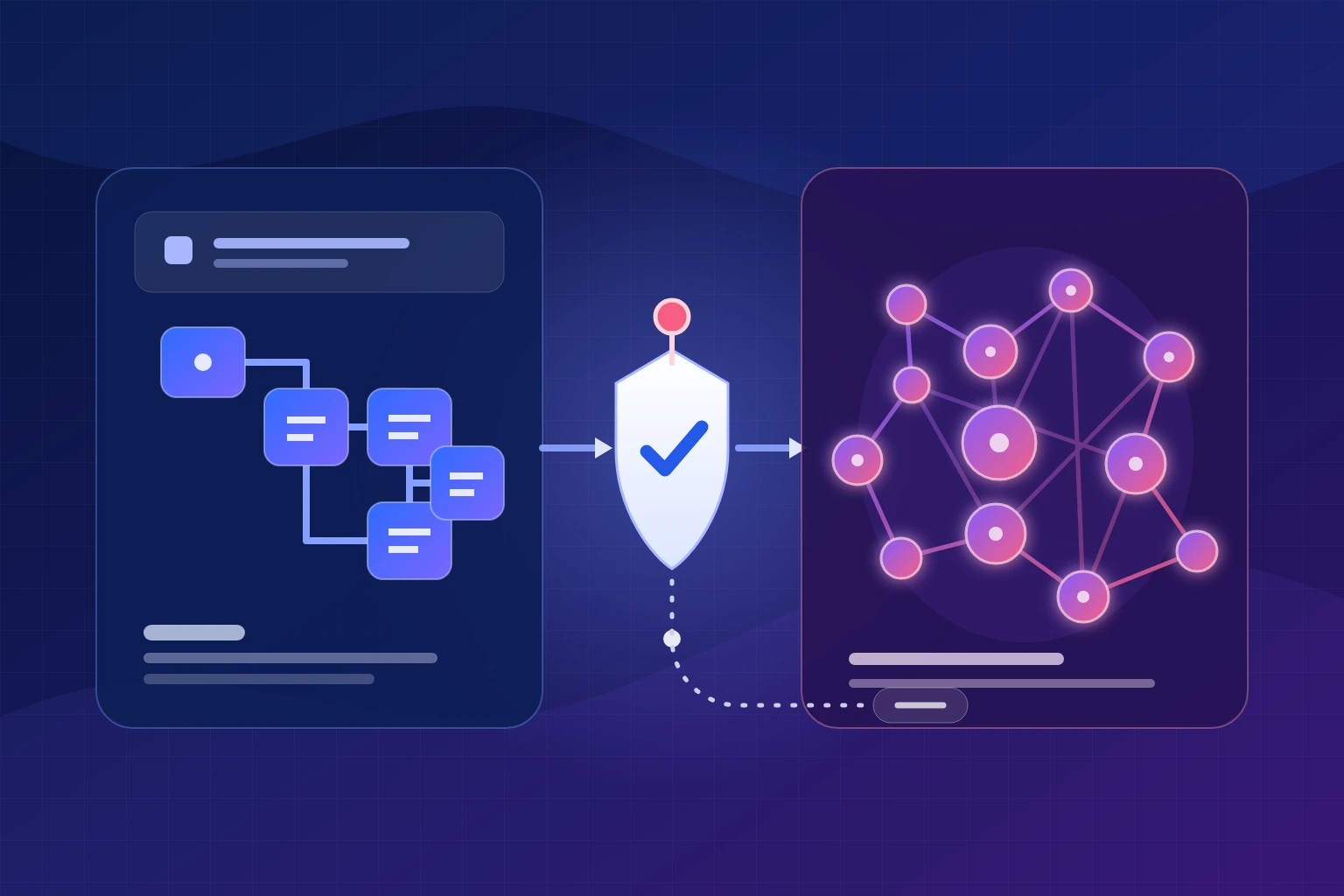
The most dependable production design is often hybrid: AI handles a bounded interpretation task, while deterministic rules validate the result, enforce permissions, route exceptions, and control every consequential system action.
AI workflow automation vs traditional automation: the quick comparison
Traditional automation follows an explicitly configured path. A trigger starts the workflow, rules evaluate known conditions, and actions execute in a defined order. An AI-powered workflow adds one or more probabilistic model steps that can classify, extract, summarize, rank, recommend, or generate an output.
That extra capability also changes the operating burden. A rule can be inspected directly. A model must be evaluated against representative examples, monitored for output quality, and constrained before it can call tools or change business data.
| Decision factor | Traditional automation | AI workflow automation | Controlled hybrid |
|---|---|---|---|
| Execution model | Predefined triggers, conditions, branches, and actions | A model interprets context or selects an output probabilistically | AI interprets; rules validate and control action |
| Best input | Structured, consistent, schema-valid data | Variable text, documents, images, or natural language | Variable input that must become a controlled record or action |
| Predictability | Strongest when rules and dependencies are stable | Requires acceptance criteria, evaluation data, and abstention paths | Predictable control plane with measured interpretation |
| Exceptions | Every expected exception needs a branch or queue | Can classify unfamiliar variation, but may also misclassify it | AI proposes a route; thresholds and people own uncertainty |
| Data handling | Works best with fields, forms, APIs, and known formats | Can transform specified unstructured inputs into structured output | AI extraction followed by schema and business-rule validation |
| Failure visibility | Logic failures are often explicit; dependency failures still occur | Plausible but incorrect output can pass silently without evaluation | Run telemetry plus task-quality and correction metrics |
| Cost profile | Design, platform, integration, maintenance, and exception handling | Adds model usage, evaluation, monitoring, review, and rework | Higher design discipline, often lower exposure to uncontrolled errors |
| Human role | Own exceptions and approvals | Label examples, evaluate output, review uncertain cases | Approve consequential actions and improve thresholds |
| Best use | Calculations, exact routing, synchronization, scheduled work | Classification, extraction, summarization, drafting, ranking | Document intake, support triage, diligence, lead qualification |
This comparison deliberately separates AI-enabled steps from explicitly configured rule-based steps. For a deeper explanation of triggers, orchestration, permissions, and model roles, start with our guide to AI workflow automation.
Start with the execution model, not the automation tool
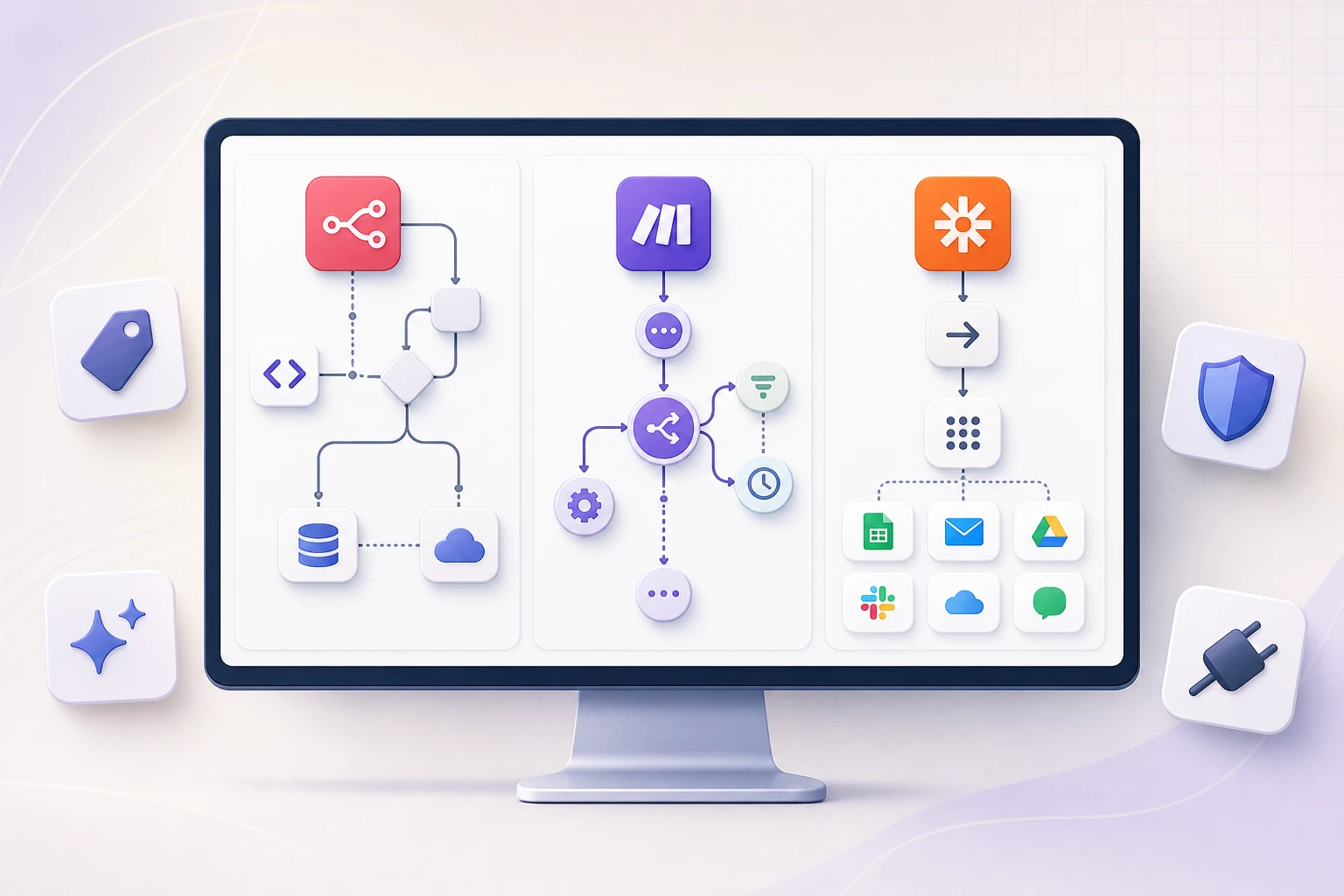
Most poor automation decisions begin with a platform shortlist. The team compares n8n, Make, Zapier, Power Automate, or an agent framework before it has described the process, inputs, exceptions, and consequences.
The better starting question is: Which decisions can be specified in advance, and which require interpretation?
Traditional rule-based automation
A designer defines the event, conditions, branch logic, and actions. Microsoft’s official guidance describes flows in terms of triggers and actions, with conditions routing work according to configured true-or-false logic.
RPA is one technique inside this category. It reproduces repetitive interactions with desktop or web interfaces when an API is unavailable. It is not synonymous with every form of traditional automation.
AI-enabled workflow steps
A model receives context and returns a classification, extracted field, draft, ranking, or recommended action. The same input can produce different wording or confidence depending on the model, context, settings, and version.
An AI workflow does not require an autonomous agent. A bounded model call inside a fixed sequence is still AI-enabled. An agent goes further by dynamically selecting actions or tools, as the n8n documentation explains.
A traditional flow can still fail because a credential expires, an API times out, a schema changes, a rate limit is reached, or an input is invalid. Its intended decision path is easier to predict, but the entire connected system still needs monitoring, bounded retries, and exception ownership.
AI workflow automation vs business process automation: a category mistake to avoid
Business process automation is the broader objective. It is the use of software to execute or coordinate parts of an operational process across people, departments, and systems. Rules, workflow orchestration, RPA, AI models, integrations, and human approvals can all participate in BPA.
Organizations evaluating a broader operational transformation can explore Amplence’s business process automation services, which combine deterministic workflows, AI-assisted interpretation, system integrations, and controlled human review.
That means AI workflow automation and business process automation are not mutually exclusive product categories. An AI-enabled invoice workflow is still business process automation. So is a fully deterministic employee-provisioning flow.
IBM’s business process automation overview uses a broad vendor taxonomy that includes workflow orchestration, RPA, and AI. Terminology varies across vendors, but the practical boundary remains useful: the process is the operating model; AI is one capability inside it.
A process map also should not be confused with execution. The Object Management Group describes BPMN as a standardized notation for specifying business processes. A map describes the work and its decisions. An automation platform executes selected parts of that design.
Intelligent automation vs traditional automation: what the label usually means
“Intelligent automation” is not one universally standardized architecture. Vendors often use the term for a combination of workflow automation, RPA, AI or machine learning, natural-language processing, document extraction, process mining, and analytics.
For this article, the distinction is narrower and more useful:
- Traditional automation executes logic that people have specified in advance.
- Intelligent automation adds a model that interprets data or chooses an output that cannot be exhaustively encoded as simple rules.
- Agentic automation lets a model select among tools or actions dynamically, which increases both flexibility and the permission surface.
None is automatically superior. If a tax calculation can be expressed exactly, a language model is the wrong calculation engine. If a workflow must determine the intent of a free-form customer email, hundreds of brittle keyword branches may be the wrong interpretation engine.
AI workflow automation vs traditional automation: ten differences that change implementation
Traditional paths are configured; AI outputs are inferred from models and context.
AI can help normalize specified documents and language that do not share one schema.
A model can produce a plausible wrong answer unless quality is measured separately.
AI needs representative labelled cases, thresholds, and acceptance criteria.
Model usage, retrieval, evaluation, and review can scale with workload.
Prompts, context, model versions, and evaluation sets require controlled updates.
A successful execution does not prove that a classification or extraction was correct.
Dynamic tool use requires least privilege and authorization outside the model.
AI adds confidence, abstention, correction, and escalation decisions.
AI systems need ongoing evaluation, monitoring, feedback, and stop conditions.
Reliability: exact logic versus measured tolerance
A configured rule can be tested against every known branch. If the input is valid and dependencies are available, the same condition should choose the same path. That makes exact calculations, permissions, record updates, and policy enforcement easier to inspect.
Generative output is different. NIST defines confabulation as confidently stated false or erroneous content and recommends evaluating output quality against known ground truth. A model result should therefore be treated as data to validate—not as permission to update a system of record.
The right reliability question is not “Which technology is more accurate?” It is “What error can this step make, how will we detect it, and what is allowed to happen next?”
Measure errors asymmetrically. A false positive that sends an ordinary support ticket to a specialist may cost time. A false positive that authorizes a refund, rejects an applicant, or changes a bank account can create a very different consequence. One overall accuracy percentage hides that distinction.
Flexibility: handling variation without pretending the model learns automatically
AI can extend a workflow to inputs that rules handle poorly: a supplier changes an invoice layout, a customer describes the same problem in different words, or a meeting contains several decisions phrased indirectly.
That does not mean the workflow automatically improves after every run. Improvement requires a governed feedback process: capture corrections, maintain representative test cases, evaluate a proposed model or prompt change, approve it, deploy it, and monitor the effect.
Data handling: extraction is only the first control point
Microsoft’s document-processing guidance shows models extracting values and confidence scores from documents with varying layouts. Its reference architecture still places validation and, where needed, human review after extraction.
A useful pattern is: extract a field, validate its type and format, check it against approved business data, then decide whether confidence and consequence permit automated action. A confidence score supports routing; it does not prove correctness.
Cost: compare the complete operating model
Traditional automation has discovery, implementation, licensing, integration, monitoring, maintenance, and exception costs. AI adds model or hosting usage, retrieval, evaluation, moderation, review, correction, and model-change costs.
Neither is inherently cheaper. A rules engine may become expensive when the long tail of exceptions requires constant branching. An AI workflow may become expensive when its review rate, rework, or model usage is underestimated. Compare cost per accepted business outcome, not cost per workflow run or token.
Maintenance and observability: two layers of truth
Every production workflow needs run telemetry: volume, status, duration, retries, exception age, and the exact step that failed. AI-enabled steps also need task-quality telemetry such as correction rate, false positives and negatives, abstention rate, reviewer overrides, downstream rework, and cost per accepted result.
A green “completed” status can coexist with a poor classification. Infrastructure health and business correctness must be monitored separately.
Which automation approach fits your process?
The choice should follow process characteristics, not trend pressure. Use this assessment to expose the questions a discovery session needs to answer. It is a rule-based scoping aid; it does not send or store your selections.
Process-fit analyzer
Answer six questions to receive a Traditional, AI-powered, Hybrid, or Not Ready recommendation with minimum controls.
Describe the process to see the recommended automation model.
This tool is a scoping aid, not a substitute for representative testing.
One invoice workflow shown three ways
Consider vendor invoice intake. Invoices arrive by email, use different layouts, and must be matched to purchase orders before approval. This example exposes where each approach fits.
Require a predictable input
Suppliers submit a structured form or a standard electronic invoice. Rules validate required fields, match exact identifiers, calculate tolerances, route approvals, and write approved records.
This is a strong design when the business can enforce the format. A new layout or free-form email goes to an exception queue rather than being guessed.
Interpret variable documents
A document model extracts supplier, invoice number, dates, currency, line items, totals, and purchase-order references from varying PDFs or images.
The extraction expands coverage, but an unattended model should not decide that an invoice is valid, payable, or authorized.
The controlled hybrid workflow
- RuleIngest and preserveStore the source email and file with a traceable identifier.
- RuleValidate the fileCheck type, size, malware controls, sender, and required context.
- AIExtract fieldsReturn a constrained schema with values, evidence, and confidence.
- RuleVerify the recordCheck types, totals, duplicates, supplier, purchase order, and tolerances.
- HumanReview uncertaintyInspect missing evidence, low confidence, mismatches, or policy exceptions.
- RuleRoute approvalApply the configured amount, department, and authority matrix.
- RuleWrite safelyUse least privilege, duplicate protection, and an idempotency key.
- ControlLog and monitorRecord provenance, decision, reviewer, latency, cost, and correction.
The AI step solves one problem: interpreting a variable document. The surrounding workflow remains accountable. That is the same design principle behind well-scoped AI workflow automation services: use the most flexible component only where flexibility is required.
When traditional, AI-powered, and hybrid automation each win
The process is already rule complete
- Synchronizing validated records between systems
- Scheduled exports, notifications, and reports
- Threshold-based approvals and calculations
- Exact access provisioning from approved roles
- Retries, status checks, and exception alerts
Interpretation is the bottleneck
- Classifying email intent or document type
- Extracting fields from variable layouts
- Summarizing an approved meeting transcript
- Ranking leads against explicit criteria
- Preparing a draft from verified context
Variable input leads to a consequential action
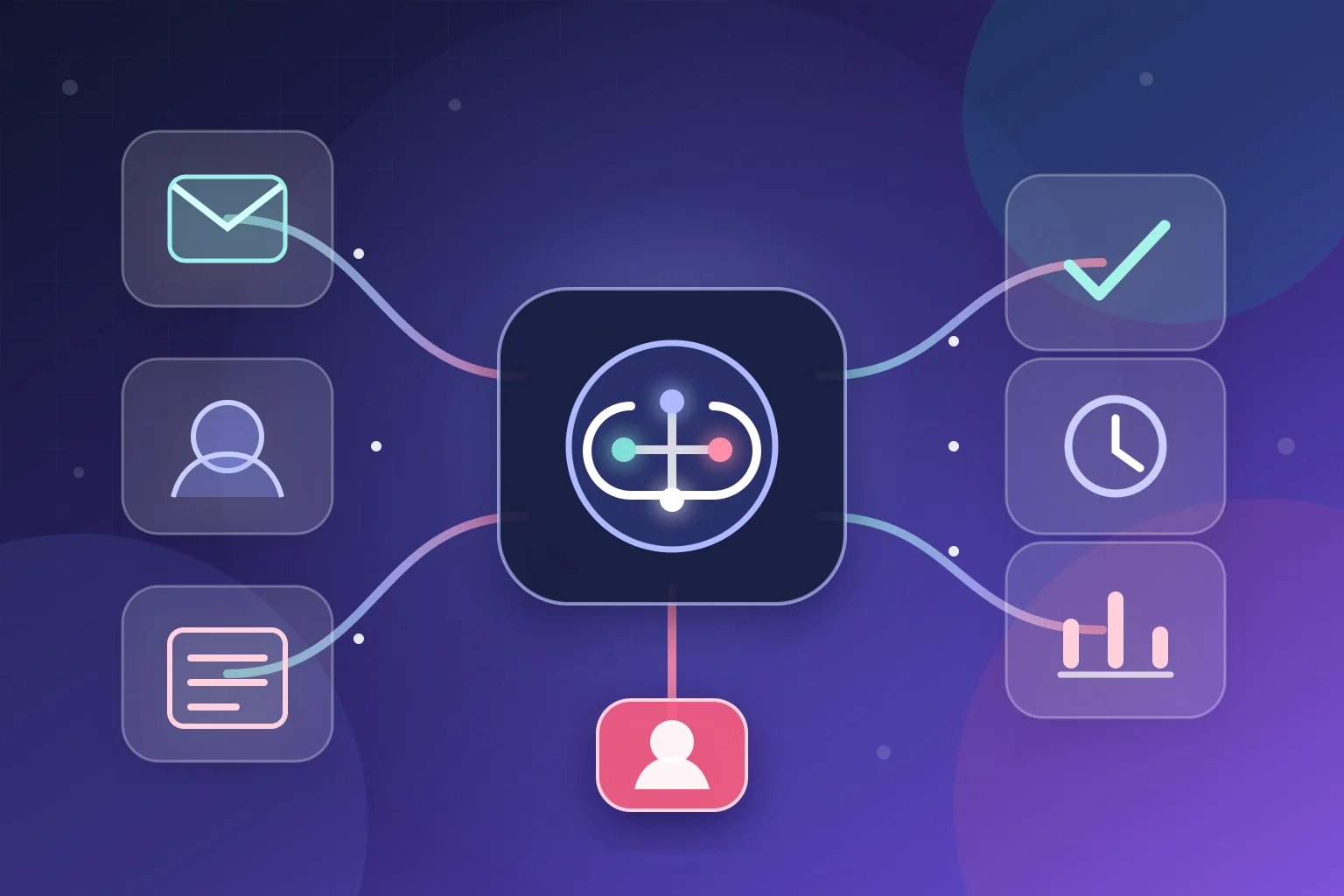
Use AI to turn ambiguity into a structured proposal. Then use deterministic checks, permissions, thresholds, human approval, and a logged action path. This is the practical default for document intake, customer-support triage, diligence preparation, and lead qualification.
Where neither approach should operate autonomously
Some work can be supported without being delegated. A rule engine may collect evidence and enforce required steps. An AI model may organize a case, identify missing information, or prepare a neutral summary. The accountable decision should still remain with a qualified person.
Examples include novel legal or policy interpretation, safety decisions, employment or access decisions that affect a person’s rights, high-value exceptions with incomplete evidence, and incidents outside the tested operating conditions. These are not “AI problems” simply because they involve a large amount of information.
A useful support workflow can still assemble the record, show which checks passed, expose conflicting sources, track deadlines, and log the eventual decision. What it should not do is disguise an unresolved judgment as an automated fact.
This boundary also applies when there is no defensible evaluation set. If the team cannot produce representative examples and agree on what a correct outcome looks like, it cannot demonstrate that either a model or a large rule set is performing acceptably.
If the team cannot agree on the desired result, approved data, exception owner, risk threshold, and success measure, automation will make the ambiguity move faster. Map and stabilize the process first.
Reliability and governance change when AI can influence action
NIST’s voluntary AI Risk Management Framework organizes AI risk work around Govern, Map, Measure, and Manage. It calls for defined human-AI roles, deployment-context evaluation, monitoring, documentation, feedback, contingency processes, and consideration of viable non-AI alternatives.
Translated into a workflow implementation, that means assigning an owner and building controls around the model rather than relying on a prompt to make the process safe.
- Constrain the task. Ask the model to classify, extract, rank, or draft—not to “run the department.”
- Control context. Retrieve only approved data required for the task and preserve source provenance.
- Validate output. Enforce a schema, required fields, allowed values, business rules, and evidence checks in code.
- Separate authorization. Decide permissions in the application and downstream system, never inside the model.
- Gate consequential actions. Show reviewers the intended tool, target, parameters, evidence, and reason before execution.
- Handle uncertainty. Define confidence or evidence thresholds, abstention, fallback, and an exception owner.
- Monitor two layers. Track both workflow execution and the quality of the accepted business outcome.
- Version and retest. Re-run representative cases when prompts, models, data sources, integrations, or policies change.
Prompt injection and excessive agency are workflow risks
Emails, documents, and web content are untrusted inputs. OWASP’s prompt-injection guidance explains that instructions hidden in external content can redirect model behavior. Retrieval and fine-tuning do not remove that risk.
OWASP defines excessive agency in terms of excessive functionality, permissions, or autonomy. Reduce all three: expose only the tools the task needs, narrow what each tool can do, enforce authorization outside the model, require approval for high-impact actions, and log tool activity.
For an implementation example, n8n can pause selected AI tool calls and let a reviewer approve the exact action and parameters. Our guide to human-in-the-loop automation explains why the review gate needs context, authority, and a reject path.
Retries must respect side effects
Retry timeouts and throttling with bounded backoff. Do not blindly retry payments, sends, deletes, or increments. Microsoft’s transient-fault guidance recommends idempotency, circuit breakers, and dead-letter handling so recovery does not duplicate or corrupt state.
Cost and AI automation ROI: compare assumptions, not slogans
A license comparison is not a total-cost comparison. Include discovery, design, integration, migration, testing, platform or infrastructure, model usage, evaluation, monitoring, review, exception handling, maintenance, training, and change management.
Microsoft’s AI workload design principles frame cost optimization as maximizing investment rather than merely minimizing spend. The right unit is often cost per correctly completed case—not cost per model call or workflow execution.
Use the explorer below to compare two scenarios with your own assumptions. The formulas are transparent planning arithmetic, not industry benchmarks or a quote. For a broader measurement model, see our guide to AI automation ROI.
Traditional vs AI/hybrid TCO explorer
Enter monthly operating assumptions. Nothing is transmitted or saved. Use loaded cost, not salary alone.
Enter your assumptions or load the clearly labelled illustrative example.
Formula: retained manual labor + review labor + maintenance labor + monthly technology cost + implementation cost divided by the selected amortization period. Simple payback is shown only when recurring operating savings are positive. This is not a quote or guaranteed ROI.
A supervised workflow automation implementation roadmap
Start with one bounded process. Do not begin by deploying an autonomous agent across several systems and hoping governance can be added later.
- Map the current process
Document triggers, inputs, decisions, systems, owners, volumes, exceptions, and current performance.
- Separate rules from interpretation
Mark exact calculations and permissions as deterministic; isolate the variable task AI may help perform.
- Build a representative evaluation set
Include normal cases, rare formats, incomplete data, adversarial content, and consequential edge cases.
- Define acceptance and abstention
Specify what “good enough” means, which failures matter, and when the workflow must stop or escalate.
- Run in shadow or recommendation mode
Compare proposed outputs with human decisions before granting write permissions or customer-facing action.
- Introduce risk-based approvals
Automate low-risk validated cases; review uncertainty, high value, policy exceptions, and irreversible actions.
- Monitor and version the system
Track execution, quality, corrections, cost, drift, and incidents. Retest before every material change.
- Expand only after evidence
Increase scope or autonomy when measured production behavior supports the next permission boundary.
Platform choice comes after this design. If your process needs branching, self-hosting, custom nodes, or tightly controlled AI tools, our overview of n8n AI automation and other orchestration options explains the trade-offs.
The pilot should also have an explicit stop condition. Pause or roll back when accepted-output quality falls below the agreed threshold, exception age grows beyond operational capacity, cost per accepted case exceeds the business limit, a security boundary is crossed, or the workflow encounters an untested category. A fallback is part of the product, not evidence that the automation failed.
What documented BiTech examples do—and do not—prove
Case studies can show that a design worked in one operating context. They should not be converted into universal benchmarks.
The published CollageDepot case study reports more than 5,000 monthly support emails across four languages, 65% auto-resolution, and an average automated response under 60 seconds.
The workflow keeps email ingestion, classification, Shopify enrichment, response preparation, escalation, and logging as inspectable stages. Those are client-specific reported results—not a promised outcome for another support operation.
The AT Swiss Ventures case study documents a six-stage concept for validating submissions, preparing evidence, routing gaps and risk signals, and preserving three human approval gates.
The page does not publish a before-and-after time saving, accuracy rate, or ROI figure. It supports the hybrid architecture pattern, not a quantitative performance claim.
The honest lesson is not “AI wins.” It is that interpretation, deterministic controls, approved context, and human accountability can be composed into one operating system. The correct balance depends on the workflow.
Frequently asked questions
Is AI workflow automation the same as business process automation?
No. Business process automation is the broader practice of automating or coordinating operational processes. It can use rule-based workflows, RPA, integrations, AI models, human approvals, or a combination. AI workflow automation describes a BPA implementation in which one or more steps use an AI model.
Is AI automation more reliable than traditional automation?
Not universally. Traditional logic is easier to predict when inputs and rules are stable. AI can process inputs that rules cannot handle economically, but its output needs task-specific evaluation and controls. Reliability must be measured against the exact workflow, data, consequences, and connected systems.
Does AI replace RPA or rule-based workflows?
Usually not. AI can interpret a document or message before an RPA bot or API-based workflow performs an exact action. Where a process is already deterministic, replacing rules with AI may add cost and uncertainty without adding useful capability.
When is human review required?
Use review when evidence is incomplete, confidence is insufficient, a policy exception exists, or the action can materially affect money, access, legal rights, safety, reputation, or a customer. Reviewers need the source context, proposed action, authority, time, and a clear reject or escalate path.
Can an AI confidence score determine whether to automate?
It can support routing only after it has been calibrated against labelled, representative cases. A high score is not proof of correctness. Combine confidence with evidence checks, business rules, consequence, and the measured cost of false positives and false negatives.
Are AI agents necessary for intelligent automation?
No. Many useful systems use a fixed workflow with one bounded model step. Use an agent only when dynamic tool or action selection creates material value and when tools, permissions, budgets, approvals, monitoring, and stop conditions can be tightly constrained.
How should a business choose its first automation approach?
Choose a stable, measurable process with a named owner and enough volume to evaluate. Separate exact rules from interpretation. Start with the simplest architecture that solves the real bottleneck, run it under supervision, and expand only after representative production evidence.
Design the right automation layer for the process
BiTech maps the process first, then recommends traditional rules, bounded AI, or a controlled hybrid. If the workflow is not ready, we will say so—and identify what must be defined before implementation.